Google's New AI Helper Can Handle Your Family's Busywork
Google’s new CC assistant reads the emails your family shares and handles schedules, forms and meal plans. Here’s how it works and who can use it.

Share

Photo:
What's new
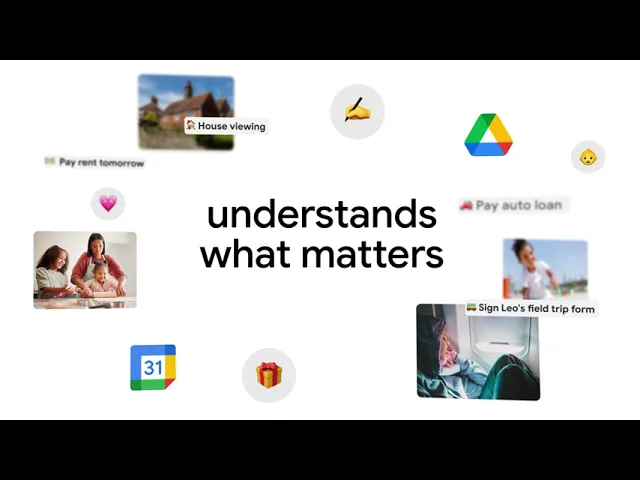
Google is testing a new AI assistant called CC. The easiest way to picture it is as a digital family secretary. A family chooses which emails to share with it, and CC reads them, works out what needs to happen and when, and keeps a shared family calendar and to-do list up to date.
Most people haven't used CC yet. It's an early experiment from Google Labs, the part of Google that tries out new ideas before they go mainstream. It started last December as a personal assistant that emailed users a summary of their day every morning. Now Google has expanded it so up to six family members can share one CC. For a household, it can:
Read emails from places like the kids' school, the swim club or the vet, and add the dates to the family calendar
Send everyone a morning summary of who needs to be where
Fill out permission slips and sign-up forms
Check Google Maps for the drive time between activities
Remember family favorites, like the go-to restaurant
For now, CC is only open to adults in the U.S. with a personal Google account, and new users join a waitlist.
Expert Insight: What This Means for You
Most small business owners are running two operations at once: the business and the household. The business usually gets some kind of system. The household rarely does. The swim schedule sits in one inbox, the registration form in another, and somebody has to remember who's driving where. CC is Google's attempt to give the household side a system too.
Here's how an ordinary week could look with CC, based on what Google says it can do (I haven't tested it myself):
Sunday: The swim club emails a new practice schedule, and CC adds the sessions to the family calendar.
Tuesday: The dance studio sends a registration form. CC fills in what it already knows and asks you for anything missing.
Wednesday: Soccer and piano are back to back. CC checks the drive time on Google Maps, so you know in the morning whether the plan works.
Thursday: You ask for a meal plan. CC already knows the family's usual grocery list and which kid won't eat mushrooms, so the shopping list comes back ready to use.
None of this is hard work. It's the small stuff that eats an evening, and handing it off is the whole point.
You stay in control of what CC sees. Each family member picks which senders to share, can change that at any time, and CC won't share anything or take action outside the family without permission. Even so, I'd start small and see how it handles things before handing it everything.
The catch is availability. CC is U.S.-only, it's still an experiment, and new users join a waitlist.
Your one task this week: if you're in the U.S., join the waitlist at labs.google/cc. When you get in, start by sharing just one sender, like your kids' school, and see how well it keeps up.
FAQs
Is it safe to share my kids' school emails with CC? You decide exactly which senders CC can see, and you can change that whenever you like. CC only responds to members of your group and doesn't share information outside it without permission.
Can my kids use it too? Google says CC is open to people 18 and over, so plan on the adults in the house being the ones who use it. Up to six members can share one CC.
Can I use CC outside the U.S.? Not yet. For now it's limited to adults in the U.S. with a personal Google account.
Source: The new CC, an AI agent built for families, Google Blog, September 17, 2026.
Written by
Yossi Gorin
Founder of Blazebox